
The Offline Order Form offers a faster, more flexible way to build orders. With features like using a Collection as a filter and adding multiple shipment dates, it delivers an efficient ordering experience.
Multiple Shipments
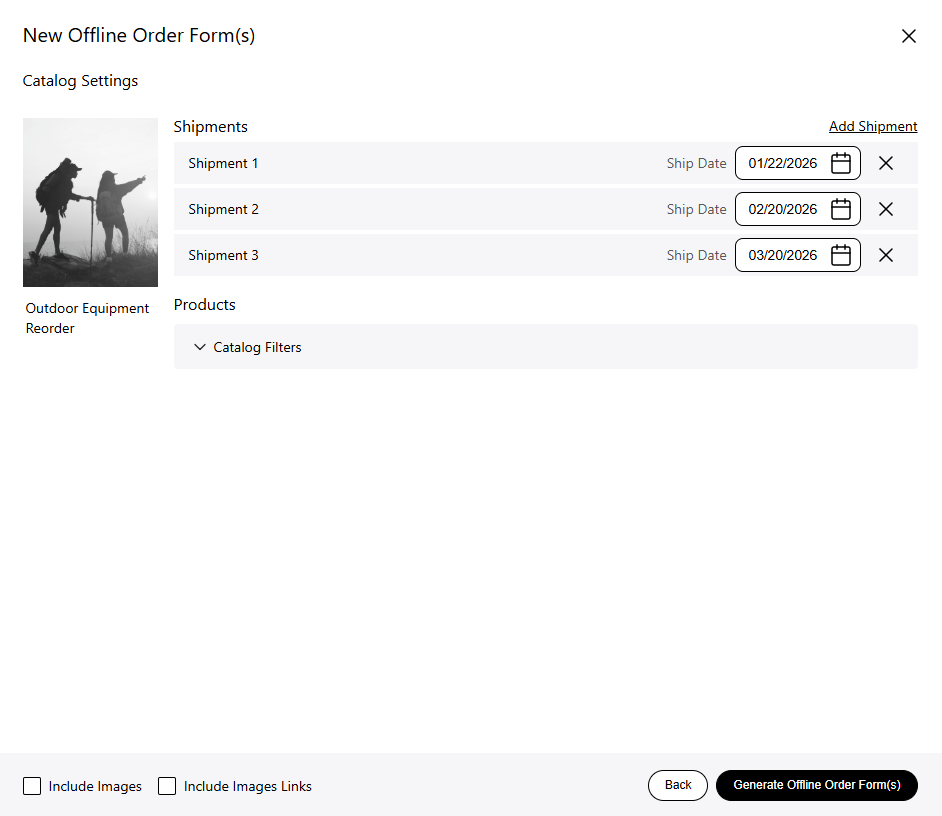
When creating your Offline Order Form, you can now select multiple ship dates. These dates will be uploaded as separate shipments.
Filters
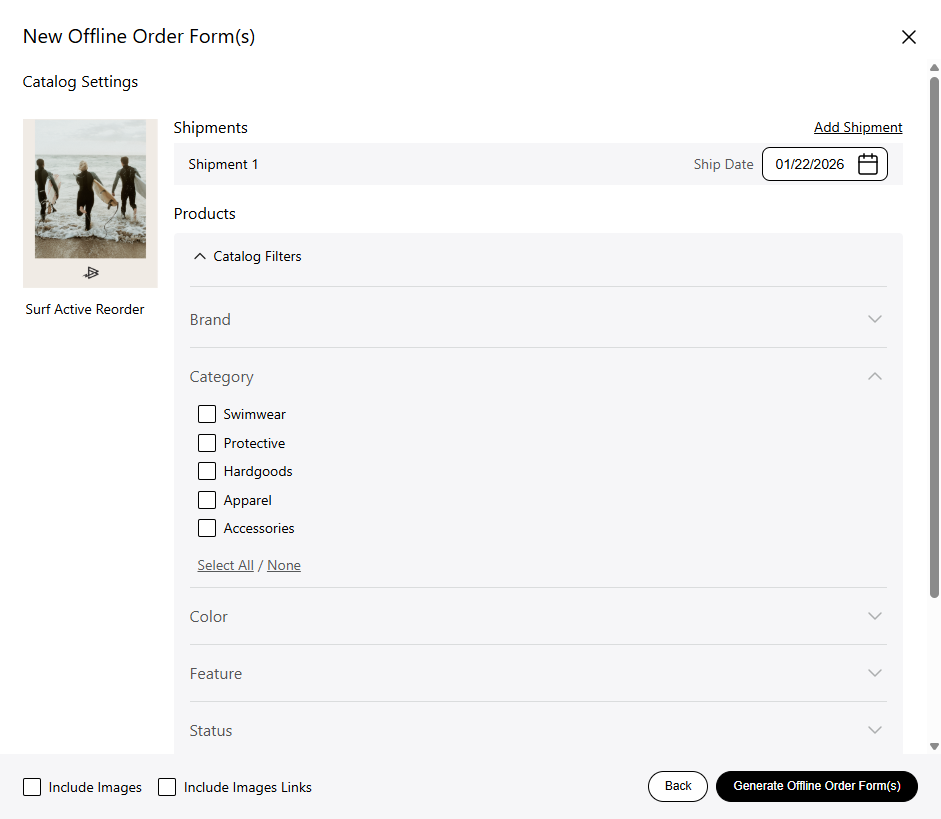
The Offline Order Form filters allows you to use any filters available within the catalog to refine and curate the product selection for your order.
Use a Collection as a Filter
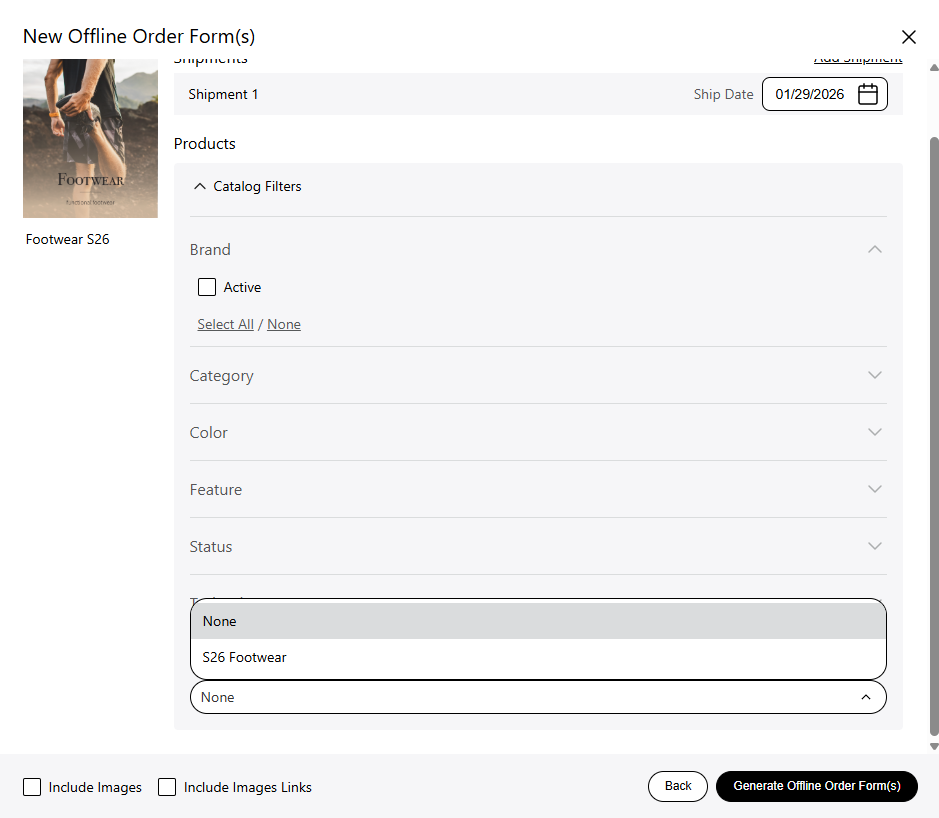
You can now use any Collection created from the selected catalog as a filter, giving you an even more tailored and precise way to tailor your order.
See Offline Order Form Download Status
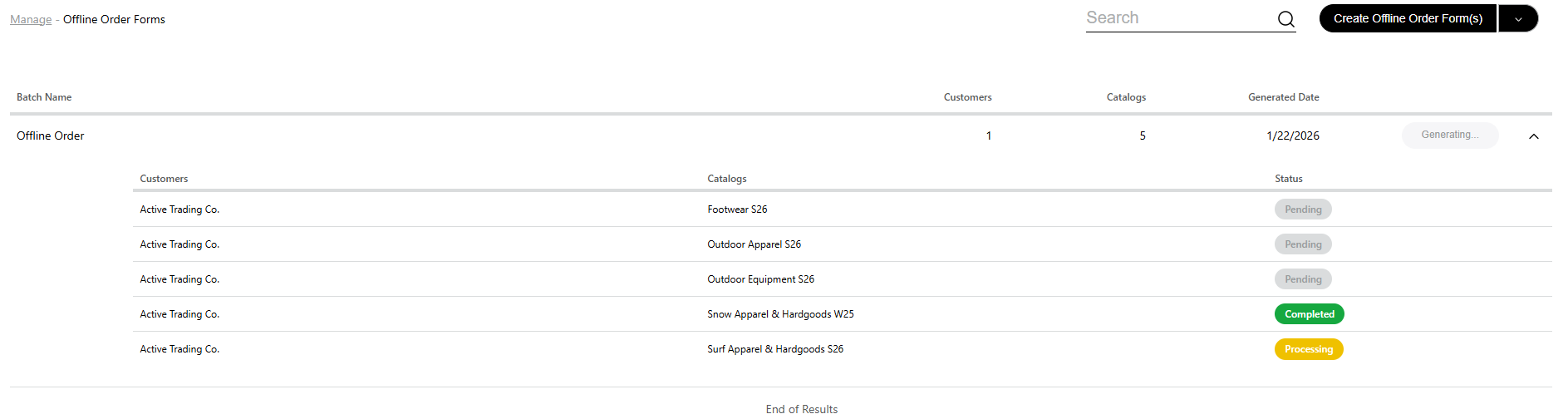
Most Offline Order Forms get generated within seconds, but if there are multiple forms with images this could take longer. You can monitor the progress by opening the information bar from the arrow on the right.
Search For Previously Used Forms
As a rep, you can now quickly find a previously created Offline Order Form by searching with a catalog name, Offline Order Form or the dealer name.
